How Do You Holster a Gun in Arma Reforger in 7 Easy Steps?
To holster your gun in Arma Reforger, press the default holster key “X” quickly while holding your weapon to free your hands. You can switch weapons instantly using number keys or customize these controls in the settings for faster access. Remember to holster cautiously, especially near cover or when moving stealthily to avoid exposure. Practice these steps in safe moments to build smooth, instinctive shifts. Keep going to discover tips on managing inventory, tactical holstering, and control customization.
How to Holster Your Gun in Arma Reforger
Although it may seem simple, knowing how to holster your gun quickly in Arma Reforger can give you a tactical advantage. When you holster your weapon, you free up your hands to interact with the environment or switch to other tools without delay.
To holster effectively, you need to be aware of your current stance and movement since holstering animations can vary slightly depending on whether you’re standing or crouching. Practice holstering during safe moments so you can do it instinctively under pressure.
Also, staying calm and deliberate while holstering prevents you from becoming vulnerable. Mastering this skill ensures you stay ready to react, balancing safety and speed as you move through Arma Reforger’s intense combat scenarios.
How to Use the Holster Key or Button
You’ll find the holster key is set to a default button, making it easy to quickly put your gun away.
If that key doesn’t feel right, you can customize the controls to fit your play style.
Let’s go over how to use and adjust the holster button for smoother gameplay.
Holster Key Default
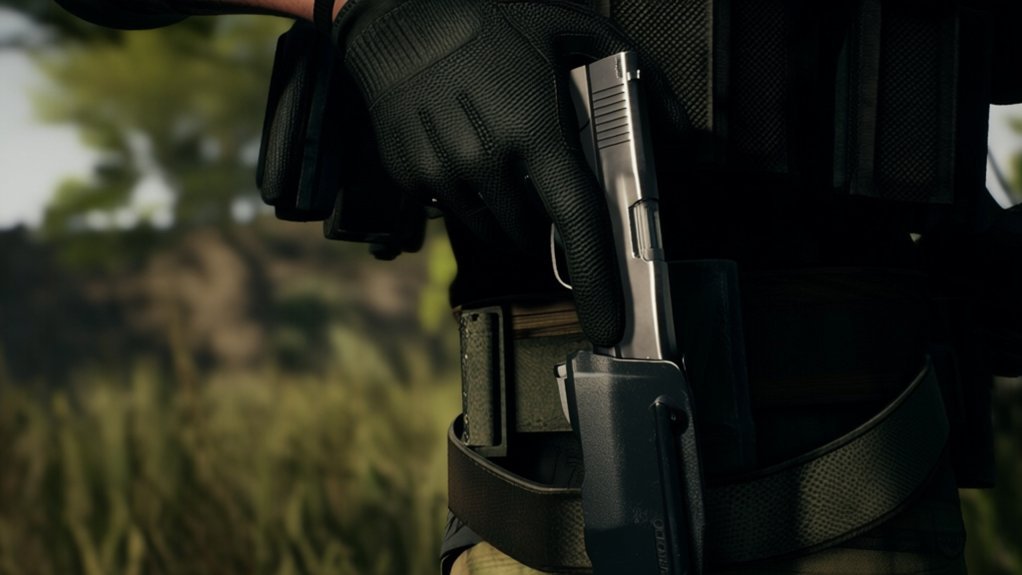
When you want to quickly holster your gun in Arma Reforger, pressing the default holster key is the fastest way to do it. By default, the holster key is bound to the “X” key on your keyboard. Simply press “X” while holding your weapon, and your character will immediately put the gun away.
This action frees your hands for other tasks like interacting with objects or switching to a different tool.
If you’re using a gamepad, the default holster button is usually assigned to one of the face buttons, such as the “Y” or “Triangle” button, depending on your controller type.
Customizing Holster Controls
Pressing the default holster key is a quick way to put your gun away, but customizing your holster controls can make the process even more intuitive and comfortable.
To do this, open the settings menu and navigate to the keybindings section. Look for the holster function and assign it to a key or button that feels natural for you—whether that’s a mouse button, a keyboard key, or a controller input.
This lets you holster your weapon faster and without awkward finger movements. Remember to test your new setup in a safe environment before jumping into combat.
With personalized controls, you’ll streamline your gameplay and react more smoothly in tense situations, ensuring you’re always ready to switch between your weapon and other gear efficiently.
How to Switch Between Holstered and Active Weapons
Now that you know how to holster your weapon, it’s important to master switching between your holstered and active guns quickly.
You’ll use specific controls to toggle weapons depending on the situation.
Understanding this will give you a tactical edge in combat.
Weapon Holstering Basics
Although mastering movement and aiming is vital in Arma Reforger, knowing how to quickly switch between your holstered and active weapons can give you a significant tactical advantage.
To holster your weapon, simply press the designated holster key, which immediately puts your firearm away, freeing your hands for other tasks or reducing your visible threat.
Moving back is just as straightforward; pressing the same key draws your weapon, readying you for combat.
This seamless transition helps you stay agile and react swiftly to changing situations.
Remember, holstering doesn’t unload or disable your weapon—it simply tucks it away for convenience.
Understanding these basics ensures you maintain control and efficiency during gameplay, letting you focus on strategy rather than fumbling with your gear.
Switching Weapon Controls
How do you quickly switch between your holstered and active weapons in Arma Reforger? You simply press the designated weapon toggle key, usually the “1” or “2” on your keyboard, depending on your loadout. This lets you cycle between your primary weapon, secondary weapon, and holstered state smoothly.
If you want to holster your weapon, just switch to the empty hand or sidearm slot. The game immediately updates your character’s stance, showing the weapon holstered.
You can also customize these controls in the settings menu to fit your preferences. Mastering these switches ensures you stay ready for any situation without fumbling.
Practice makes perfect, so spend time getting comfortable with toggling your weapons efficiently during gameplay.
Tactical Advantages Explained
Why should you master switching between holstered and active weapons in Arma Reforger? Doing so gives you a tactical edge in combat, allowing you to adapt quickly and stay unpredictable. Swiftly holstering your weapon can help you move faster or perform non-combat tasks, while drawing your gun instantly prepares you for threats. Here’s why it matters:
- Speed: Quickly switch to your active weapon when danger strikes.
- Stealth: Holster your gun to reduce noise and avoid detection.
- Mobility: Move and climb more easily without your weapon drawn.
- Resource Management: Save ammo and avoid accidental firing by holstering when not needed.
Mastering this switch enhances your situational awareness and survivability, making you a more efficient and effective player.
How to Access Your Inventory to Manage Holstered Guns
Before you can manage your holstered guns effectively in Arma Reforger, you need to access your inventory quickly. Press the designated key (usually “I”) to open your inventory screen. From here, you can view, equip, or holster weapons seamlessly. Knowing the controls helps you maneuver efficiently during intense gameplay.
| Action | Key/Button | Description |
|---|---|---|
| Open Inventory | I | Access your full inventory |
| Select Weapon | Mouse Click | Choose a gun or item |
| Equip Weapon | Drag & Drop | Move weapon to active slot |
| Holster Weapon | Drag to Holster | Place weapon in holster slot |
| Close Inventory | Esc | Exit inventory screen |
Master these steps to keep your weapons ready without wasting time.
How to Holster Your Gun Stealthily
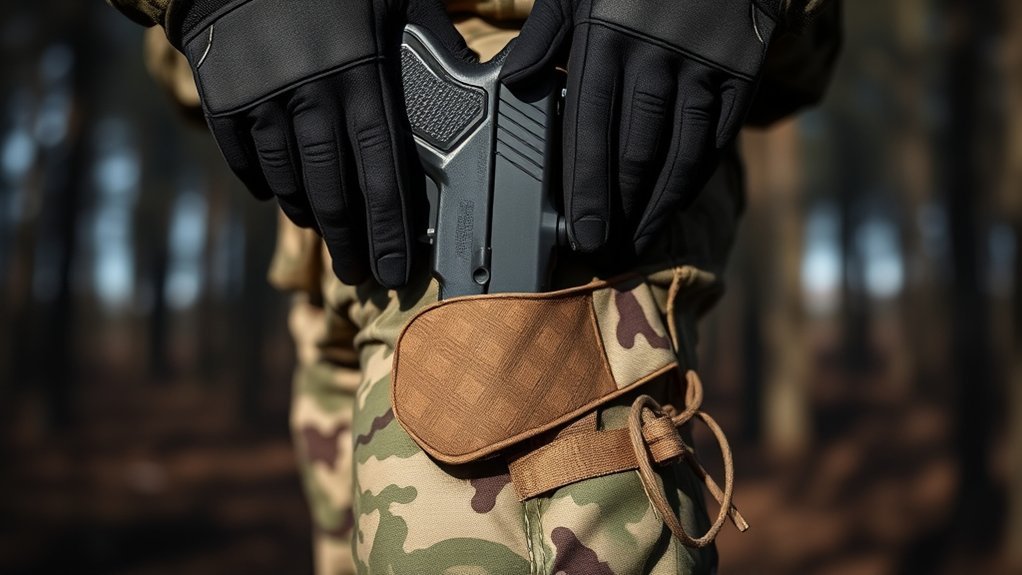
Although holstering your gun quickly is important in Arma Reforger, doing it stealthily can give you a tactical edge by keeping your position concealed. To holster your weapon without alerting enemies, you need to be deliberate and controlled in your movements.
Here’s how you can holster stealthily:
- Move to cover or a safe spot before holstering to avoid exposure.
- Use slow, smooth animations to reduce noise and visual cues.
- Stay crouched or prone to minimize your silhouette while holstering.
- Keep an eye on your surroundings to ensure no enemies catch your actions.
How to Fix Common Holstering Problems
When you encounter issues holstering your gun in Arma Reforger, it can disrupt your gameplay and leave you vulnerable. To fix common holstering problems, first check if your weapon is stuck due to animation glitches. Restarting the game or switching weapons quickly often resolves this. Also, verify your character isn’t performing conflicting actions like sprinting or reloading. Finally, confirm that your inventory isn’t full, as this can prevent holstering.
| Problem | Cause | Fix |
|---|---|---|
| Weapon stuck unholstered | Animation glitch | Restart or switch weapons |
| Holster unresponsive | Conflicting character action | Stop sprinting/reloading |
| Holster blocked | Full inventory | Free up inventory space |
These quick fixes will get you back into the action smoothly.
How to Customize Controls for Easier Holstering
Since quick weapon management can make or break your performance in Arma Reforger, customizing your controls for easier holstering is essential. You want to streamline the process so you can switch weapons or holster quickly without fumbling.
Start by accessing the settings menu and browsing to the controls section. Then, focus on these adjustments:
- Assign a dedicated key or button specifically for holstering weapons.
- Remap weapon switching keys to positions that feel natural and easy to reach.
- Enable quick toggle options if available to reduce input steps.
- Customize controller or mouse bindings to minimize hand movement during holstering.
Frequently Asked Questions
Can I Holster Different Types of Guns in Arma Reforger?
Yes, you can holster different types of guns in Arma Reforger. Just switch to the weapon you want to holster and press the holster key. This works for pistols, rifles, and other firearms you carry.
Does Holstering Affect My Character’s Movement Speed?
No, holstering your gun doesn’t affect your character’s movement speed in Arma Reforger. You’ll move just as fast whether your weapon is drawn or holstered, so you can focus on tactics without worrying about speed penalties.
Are There Any Perks or Skills That Improve Holstering Speed?
Like a swift breeze clearing the path, certain perks do speed up your holstering in Arma Reforger. You’ll want to gain access to agility or weapon handling skills—they make your shift quicker, keeping you ready and fluid in combat.
Can I Holster Weapons While Swimming or Climbing?
You can’t holster weapons while swimming or climbing in Arma Reforger. The game restricts weapon handling during these actions, so you’ll need to wait until you’re on solid ground and stationary to holster your gun.
How Does Holstering Impact Multiplayer Gameplay Strategy?
Holstering your weapon lets you move faster and appear less threatening, helping you blend in or reposition silently. You’ll surprise enemies by drawing quickly, so mastering holstering boosts your stealth and tactical flexibility in multiplayer.
Conclusion
Now that you know how to holster your gun in Arma Reforger, you’re ready to move smoothly through any mission. Don’t forget, mastering the holster key or button and managing your inventory keeps you prepared and stealthy. Struggling with controls? Customize them for your play style. So, why leave your weapon out when you can holster it quickly and stay one step ahead? Stay sharp and keep those holstering skills polished!